


by ZSuite Tech on Jul 27, 2026, 6:00:02 AM
There's a new permission set available for FI users called FI Read-Only. An FI Super Admin can assign this role to an existing user, or invite a brand new user directly into it.
This role is a good fit for anyone who needs visibility into ZEscrow — reports, dashboards, documents — without the ability to make changes, transfer funds, or manage other users.
Here's how the three FI roles compare:
| Feature/Function | FI Super Admin | FI Admin | FI Read-Only |
|
Settings/Configuration/Edit Interest Rate |
Full Access |
No Access |
No Access |
|
Settings/FI User Management |
Full Access |
View |
No Access |
|
Organization/View Organization Details |
View |
View |
No Access |
|
Organization/View Organization Settings |
Full Access |
No Access |
No Access |
|
Organization Setup(Bell) |
Full Access |
Full Access |
No Access |
|
Delete Pending Organization |
Full Access |
Full Access |
No Access |
|
Organization Search |
Full Access |
Full Access |
Full Access |
|
Settings/Configuration |
Full Access |
View Only |
View Only |
|
Settings/Organization User Management |
Full Access |
Full Access |
View Only |
|
Reports |
Full Access |
Full Access |
Full Access |
|
Pending Subaccounts |
Full Access |
Full Access |
View Only |
|
Folder Management |
Full Access |
Full Access |
No Access |
|
Close Subaccount |
Full Access |
Full Access |
No Access |
|
Search Subaccounts |
Full Access |
Full Access |
Full Access |
|
Documents (View/Upload) |
Full Access |
Full Access |
View Only |
|
Add New Subaccount |
Full Access |
Full Access |
No Access |
|
Transfer Funds (Open Transfer Modal) |
Full Access |
Full Access |
No Access |
|
Subaccount Dashboard |
Full Access |
Full Access |
View Only |
How to add a FI Read-Only user:
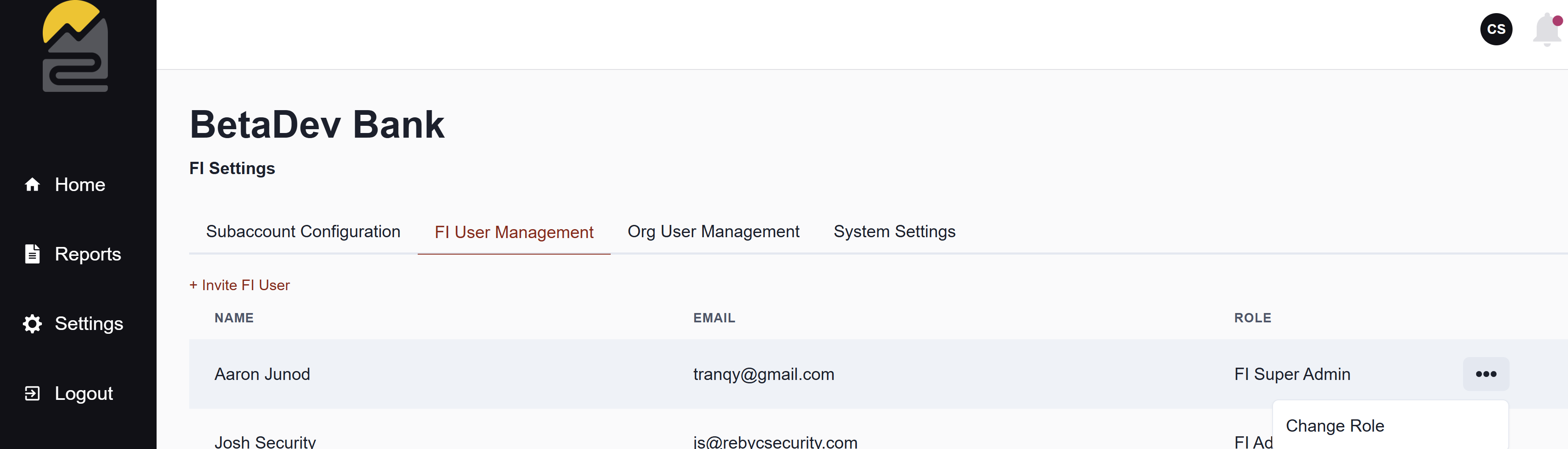
- Go to Settings > FI User Management
- Click "Invite FI User" and enter the user's information in the modal
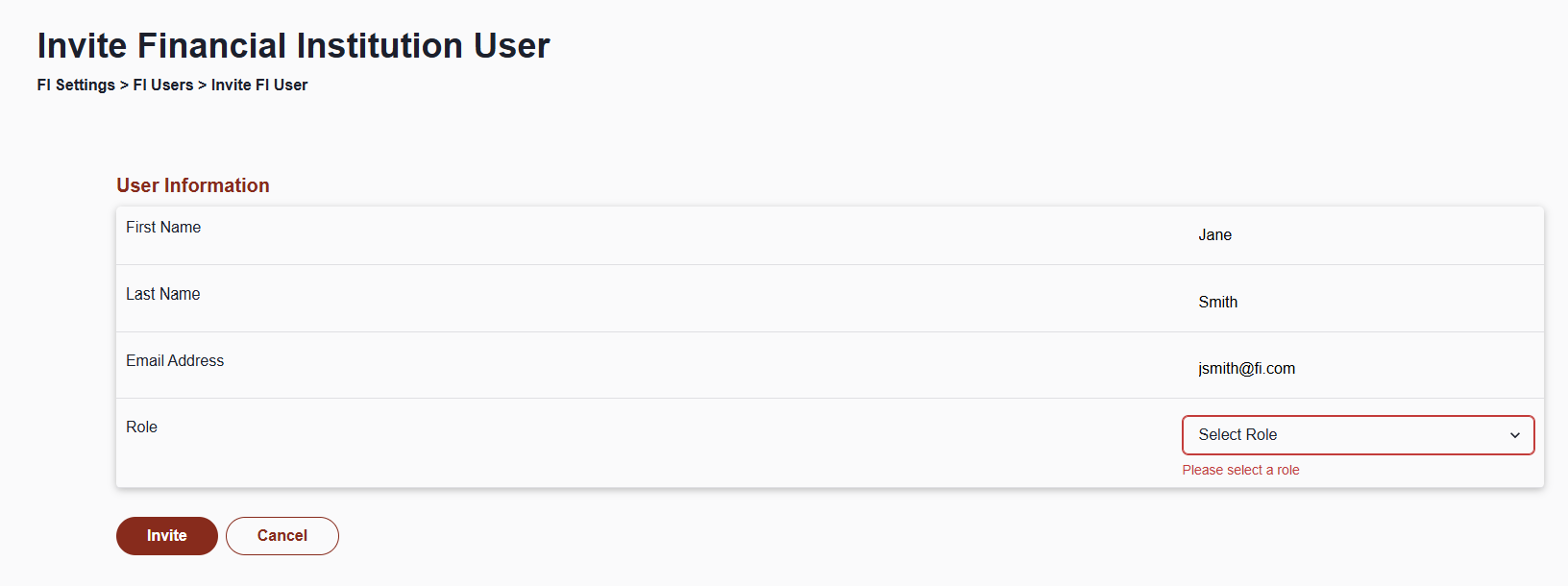
- Under Role, select "FI Read-Only" from the dropdown and click "Invite"
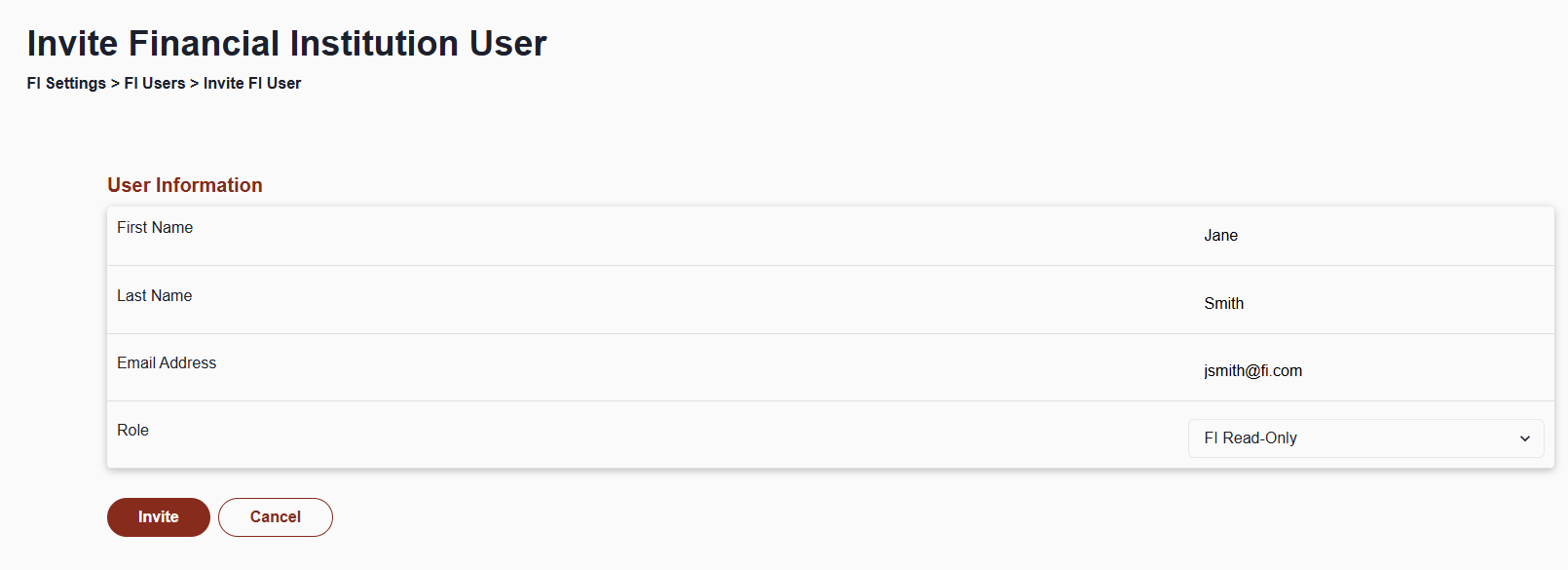
That user will get an email invitation, set up a password, and log in to the ZEscrow platform as a FI Read-Only user.
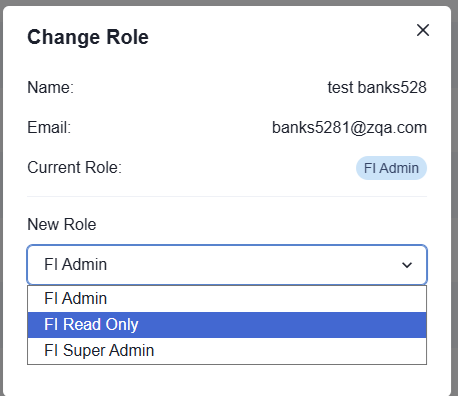
How to change an existing user to FI Read-Only:
- Click the "…" menu next to the user you'd like to update and select "Change Role"
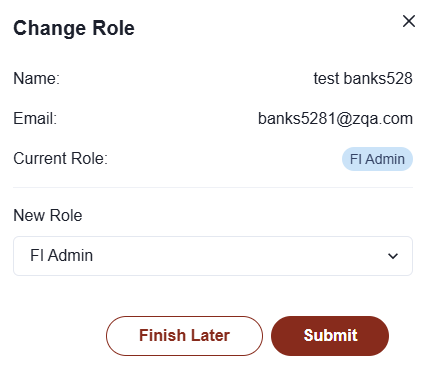
- Choose "FI Read-Only" from the dropdown and click "Submit"
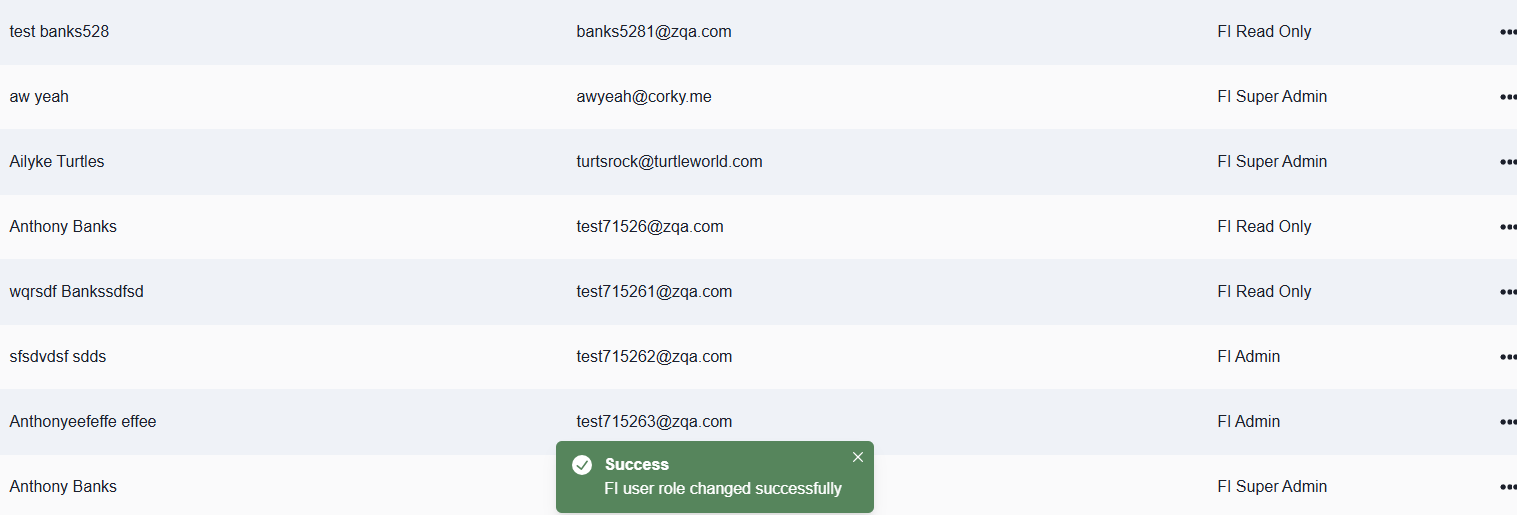
The role change takes effect right away.
If you have any questions or concerns about new releases, please feel free to contact our team via email: ZSuite Product Team